GREYLINE
A downloadable game for Windows, macOS, and Linux
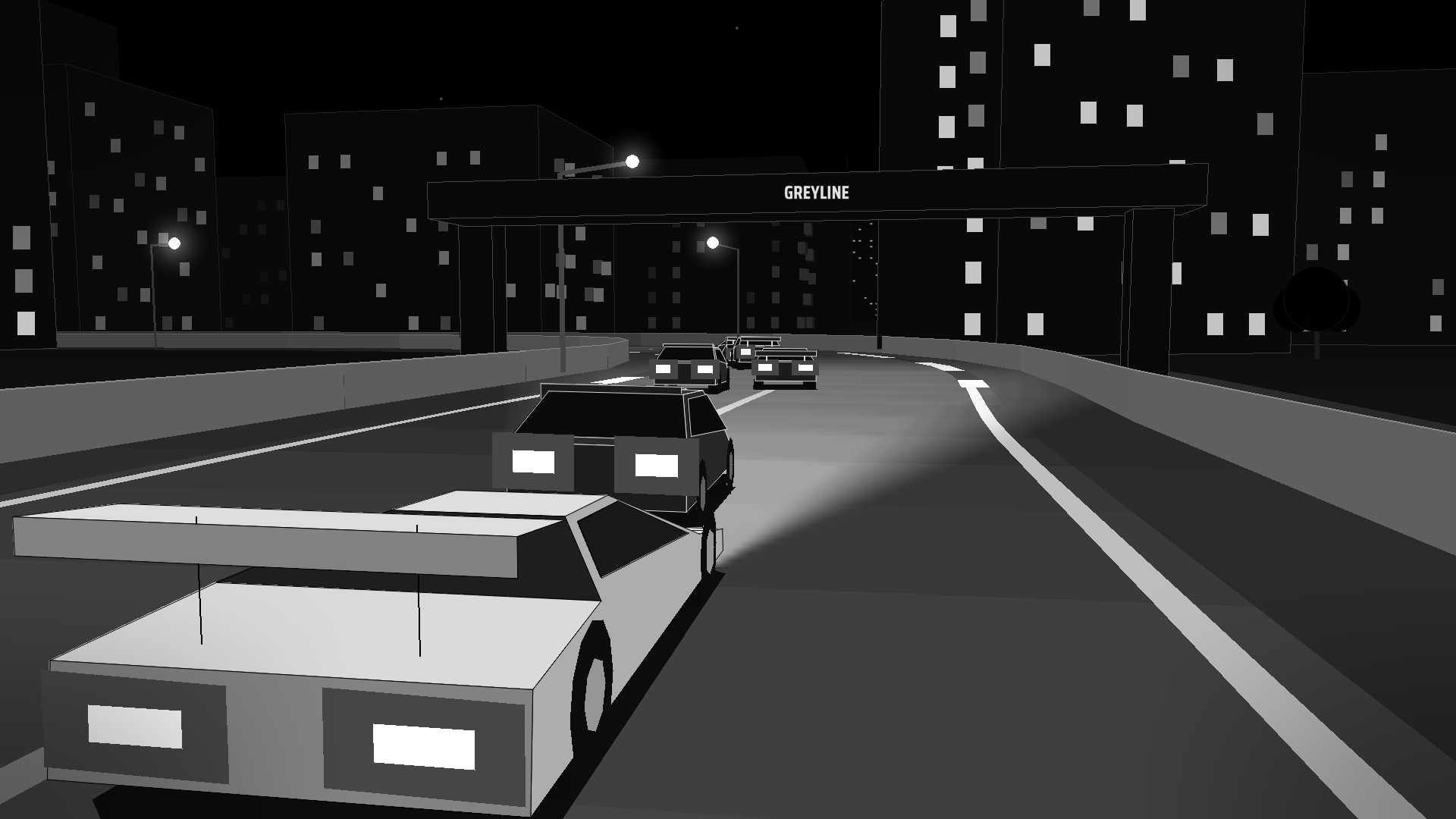
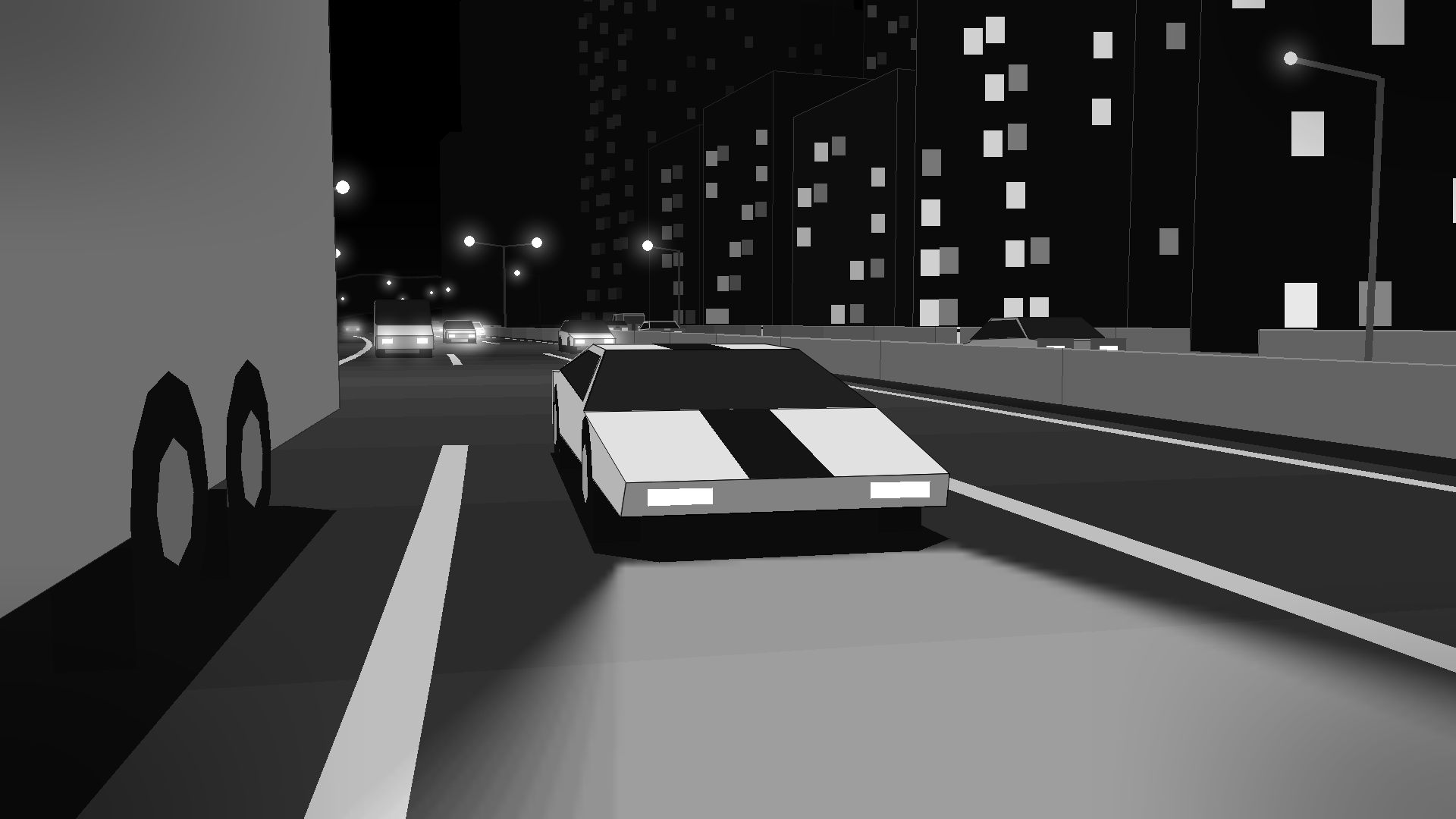
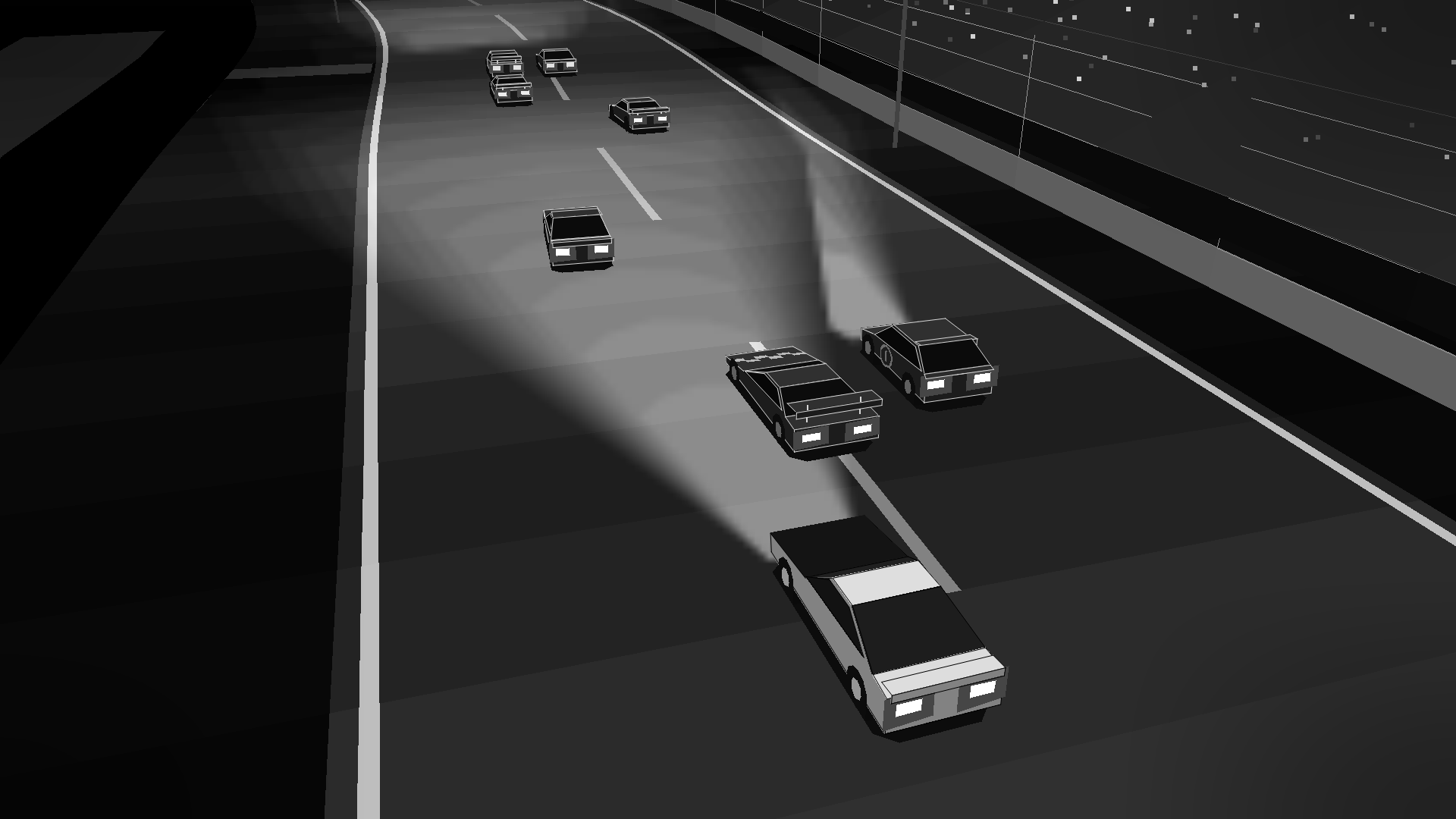
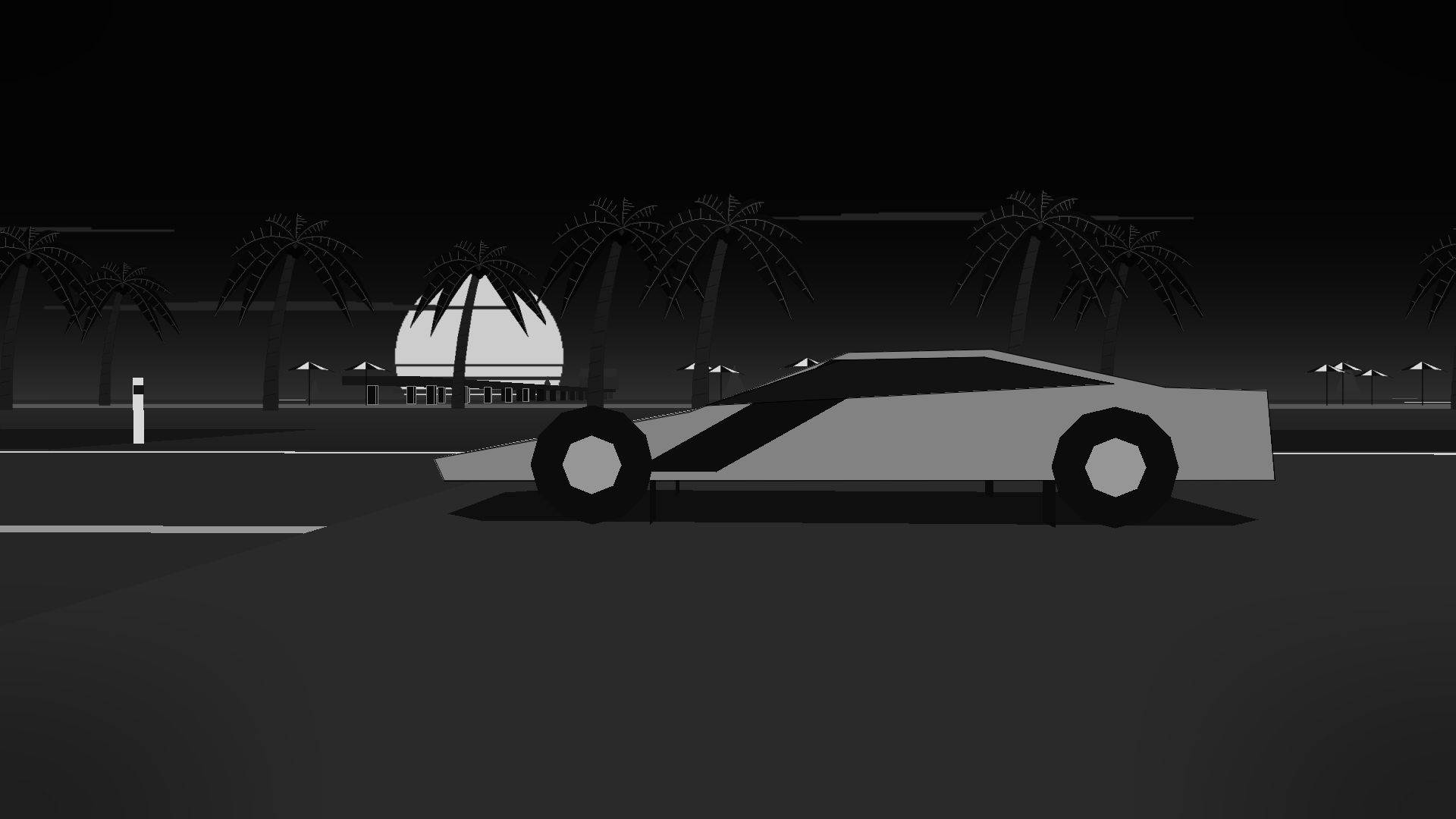
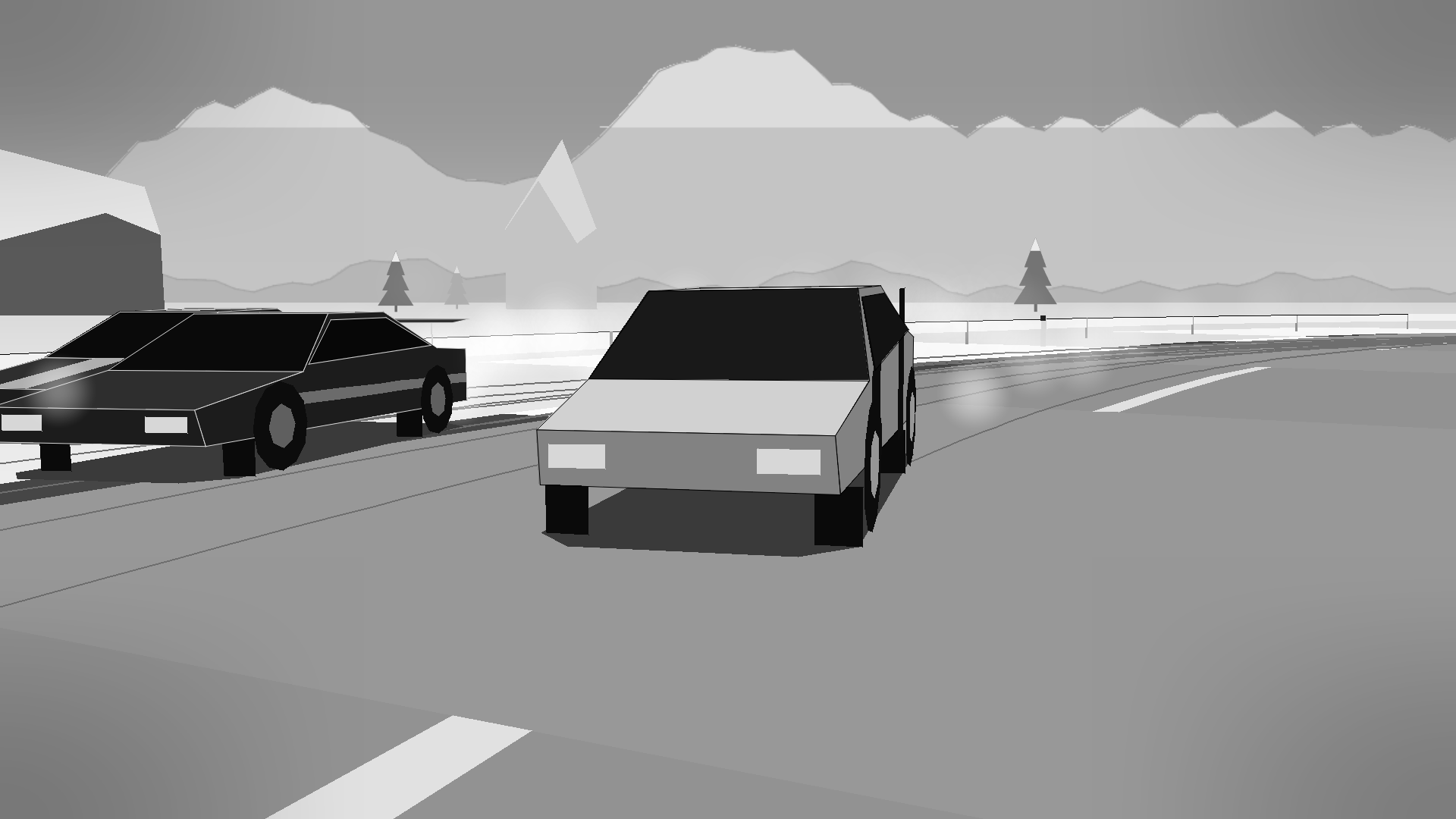
GREYLINE is a racing game in black and white. No colour, no clutter, just the line, the car and the bots ahead of you. The only colour in the whole game is on the start lights.
RACE
- 9 hand-built circuits, each with its own setting: a night city, a beach coastline, a snowy mountain pass, an airfield, a pine forest, a stadium, a speedway under the lights, wind farms and a Grand Prix paddock. Plus a random track generator.
- Bots that race back: they slipstream, defend the inside, attack and make mistakes.
- Championships, time trials against your own ghost, and a new daily race every day.
FREE ROAM
- An endless highway through downtown, the coast, forest, farmland and desert, with real traffic.
- Day turns to night; rain and snow sweep in and change the grip.
- Hit anything and the run is over. Distance is your score.
BUILD YOUR CAR
- 8 bodies, 9 engines (rotary, turbo, V10, V12, electric…), 4 tyre compounds and 13 liveries, under a weight limit, so every build is a trade-off.
ALSO
- 2-player split screen
- Replays with TV cameras, photo mode, 23 achievements
- Controllers: Xbox, PlayStation and Switch Pro, with rumble. Rebindable keys.
- Every sound is made in code: engines, tyres, crashes and the music. No audio files.
INSTALL
Unzip, then run GREYLINE.exe. If Windows shows "Windows protected your PC", click More info → Run anyway (the game isn't code-signed).
Windows 10/11, 64-bit. Made with Python and pygame.
Download
Install instructions
Windows
- Download GREYLINE_v1.2_windows.zip and unzip it (right-click → Extract All).
- Open the GREYLINE folder and double-click GREYLINE.exe. Keep it next to the
_internalfolder. - If Windows shows "Windows protected your PC", click More info → Run anyway. The game isn't code-signed yet; this is normal for small indie games.
Nothing else to install. Windows 10 or 11, 64-bit.
macOS and Linux
- Install Python 3.10 or newer: from python.org on Mac, or your package manager on Linux.
- Download GREYLINE_v1.2_mac_linux.zip and unzip it.
- Open a terminal in the GREYLINE folder and run this once:
python3 -m pip install -r requirements.txt - Play with:
python3 racing.py
Good to know
Controllers: Xbox, PlayStation (DualShock 4 / DualSense) and Switch Pro pads work out of the box, with rumble. Plug in any time.
Saves are kept in %APPDATA%\GREYLINE on Windows and ~/.greyline on Mac/Linux, so updates won't lose your progress. Screenshots go to Pictures/GREYLINE.
If the game crashes, please post the crash.log from the save folder in the comments.
Leave a comment
Log in with itch.io to leave a comment.